Choose your starting point
Spotify Live Events or a playlist concert finder?
Use Spotify for listening-based recommendations. Use ShowFindr when you want to check one specific playlist. Both can help you plan a night out.
By Joao Pedro Cartier Rodrigues · Updated
| Your task | Spotify Live Events | ShowFindr |
|---|---|---|
| Starting point | Your listening habits | One playlist you select |
| Location | Change the city in Live Events | Choose a city before scanning |
| Browse shows | Filter dates and genres | Matched artists, ordered by date |
| Next step | Open an event for details | Open a match for event details |
Start in Spotify for recommendations
The Live Events feed suggests shows based on your listening. Change the city and narrow the dates when planning a trip.
Start with a playlist for a focused search
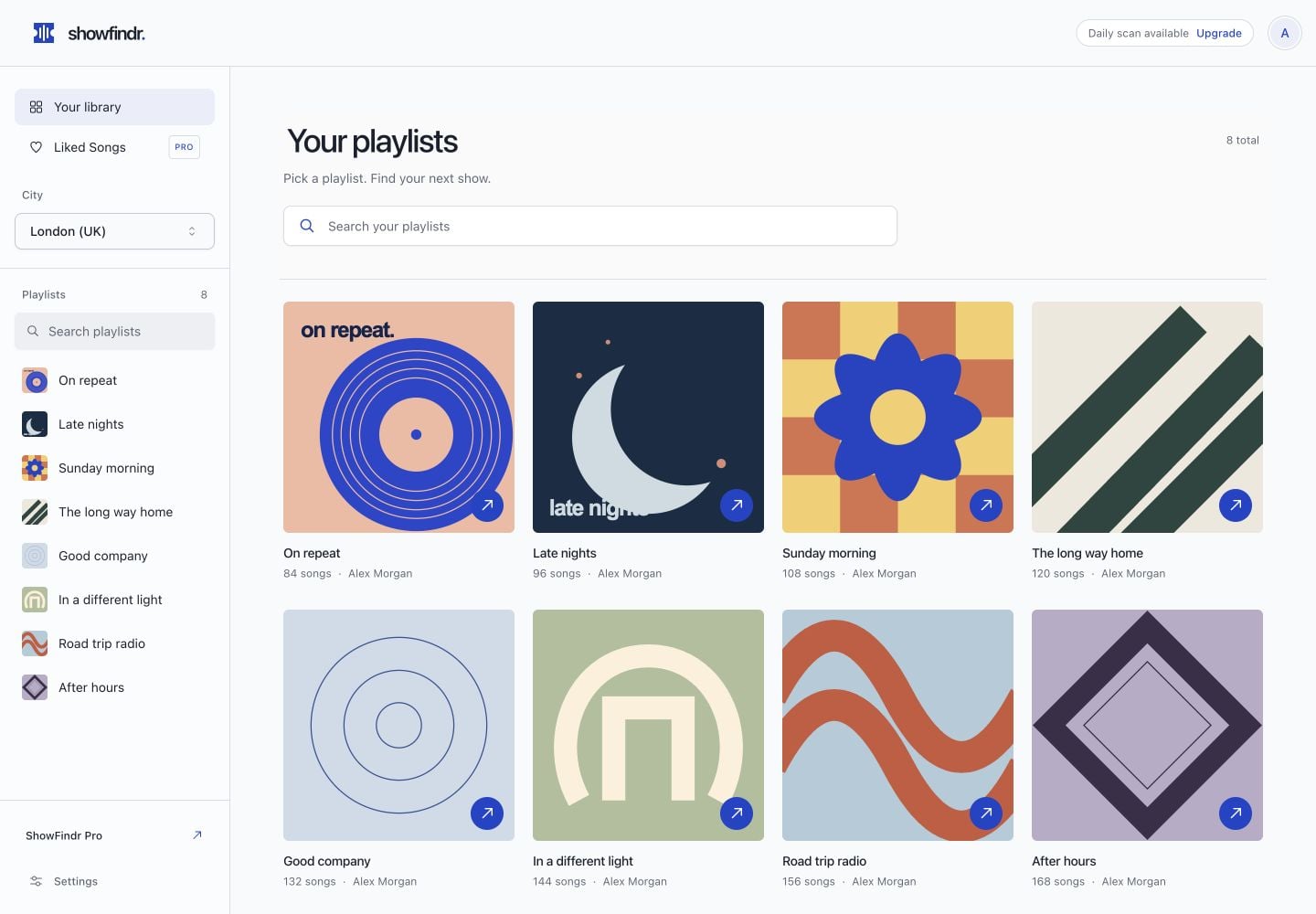
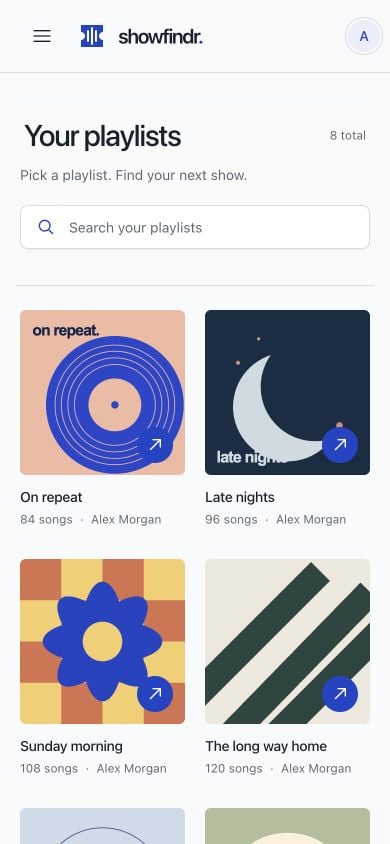
ShowFindr checks the artists from the playlist you choose in one metro area. Use a shared playlist for friends, a genre playlist for a scene, or a travel playlist for your destination.
Know what you're getting
ShowFindr Free includes one successful scan per UTC day and up to three visible matches; Pro unlocks full results and unlimited scans. Spotify Premium and ShowFindr Pro are separate. Neither a recommendation nor a match guarantees ticket availability.
Frequently asked questions
Does ShowFindr replace Spotify Live Events?
No. They offer different starting points: listening-based recommendations and a scan of artists from a selected playlist.
Can both search another city?
Yes. Select your location in Spotify's Live Events feed or choose a city before a ShowFindr scan.
Is ShowFindr part of Spotify?
No. ShowFindr is a separate app that connects to your Spotify account with your permission.
Ready to scan your playlists?
Start with one free playlist scan and see which artists have upcoming concert matches near your chosen city.